


Reflection in images gives so much demotion and curiosity!! I mean, just look at this photo I made upside down of my sisters truck….

Here’s another one right side up, hello reflection!! And this was just a puddle on the ground 😆. (Thanks rain). But the point is, reflections are awesome!!

But sometimes there just ain’t any reflections to capture, so with this easy way in the canva app you can now add reflection to your photo!!
Alright, how do you do this thing?
- Open Canva app
- Click the “+” button on bottom right corner
- Click “Custom size” I then enter width and height, I did 1000×1500
- Upload image you would like to use
- Pull image to become half the size of your photo
- On the bottom bar, click “duplicate” then pull the duplicate under your image
- On that image, go to “effects” then go to “liquify” then click “Shake”
- Save image, and now your done!!
Watch the video below for more understanding…
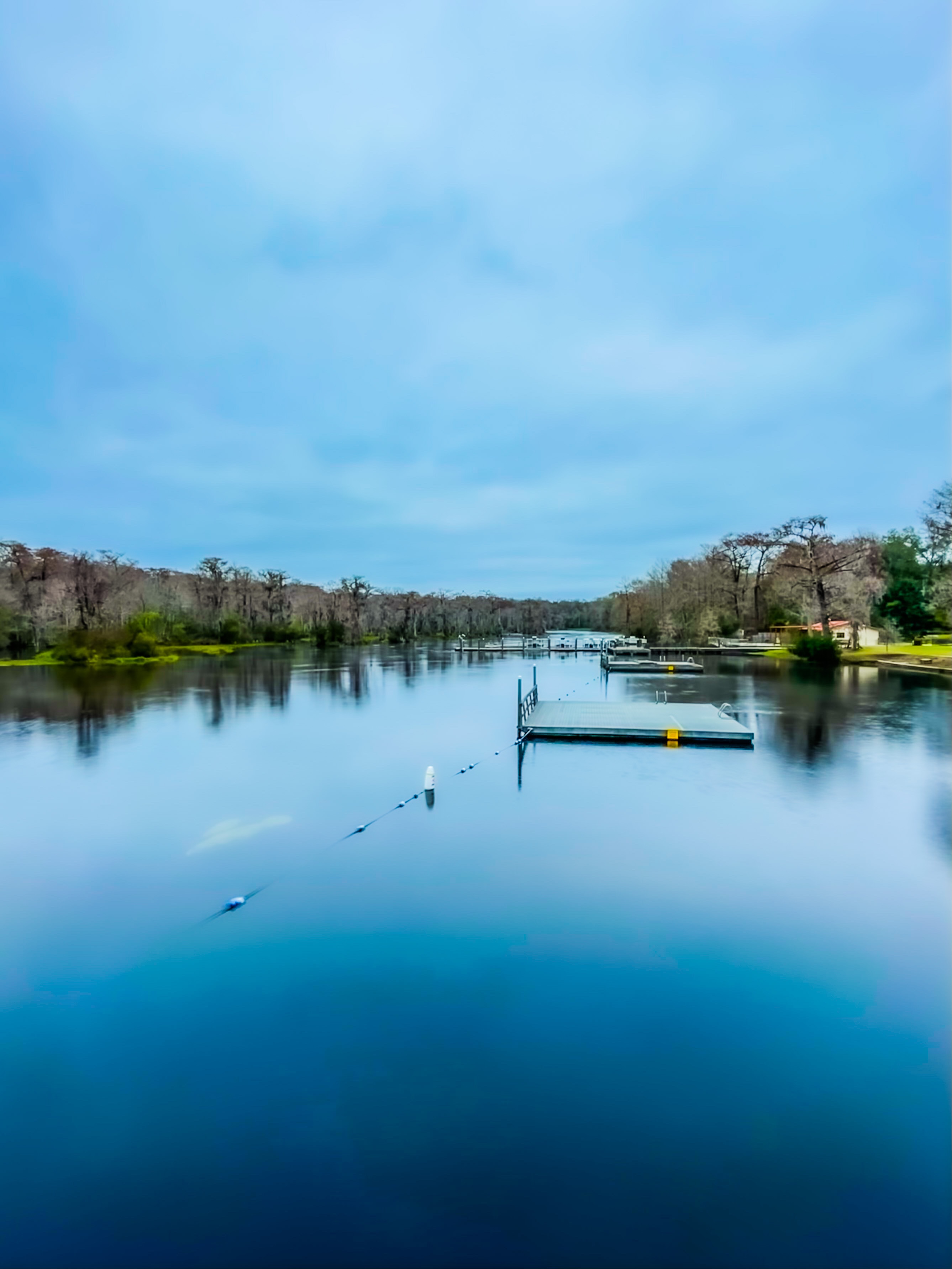
Other photos I’ve used this technique:

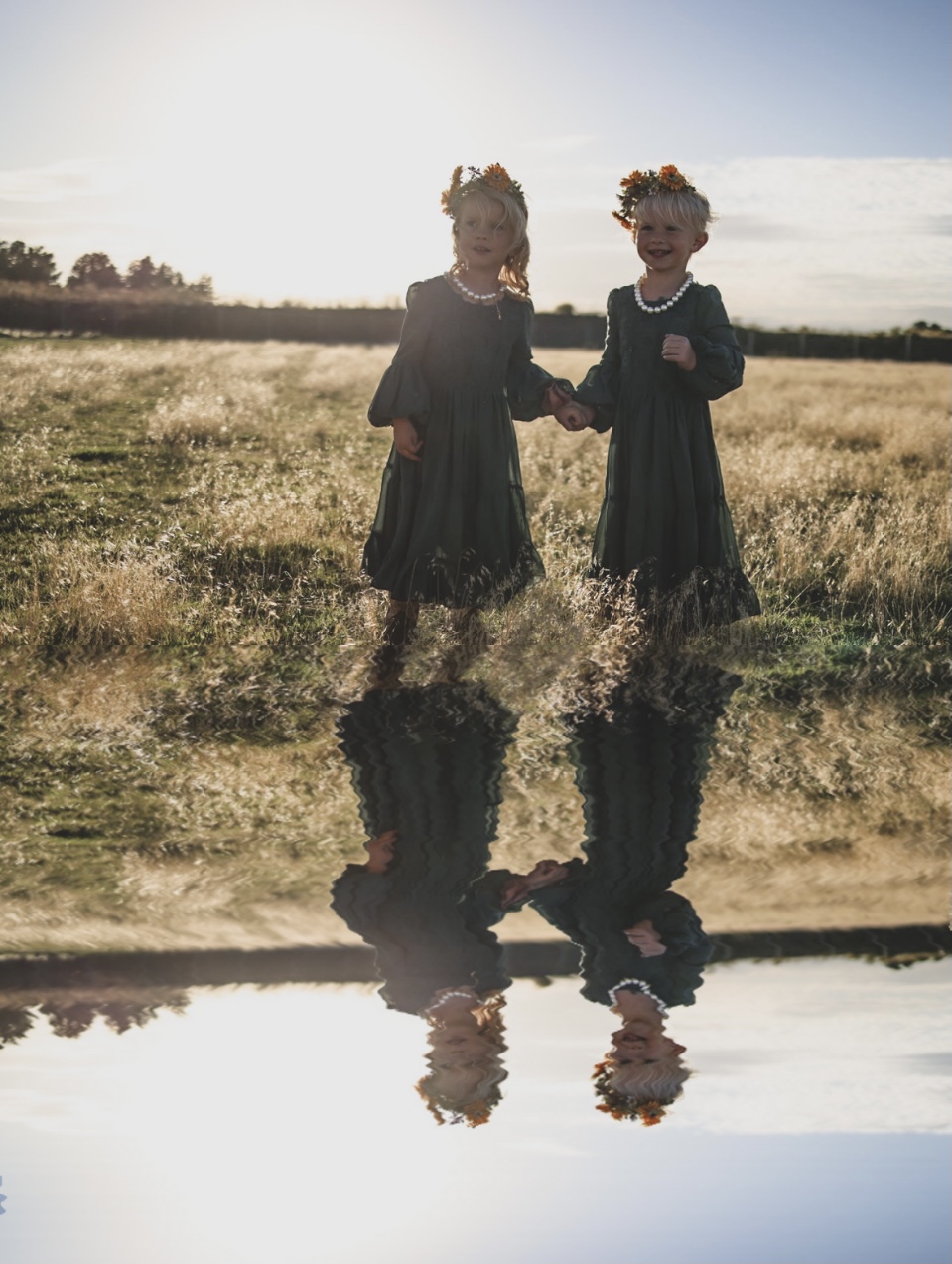
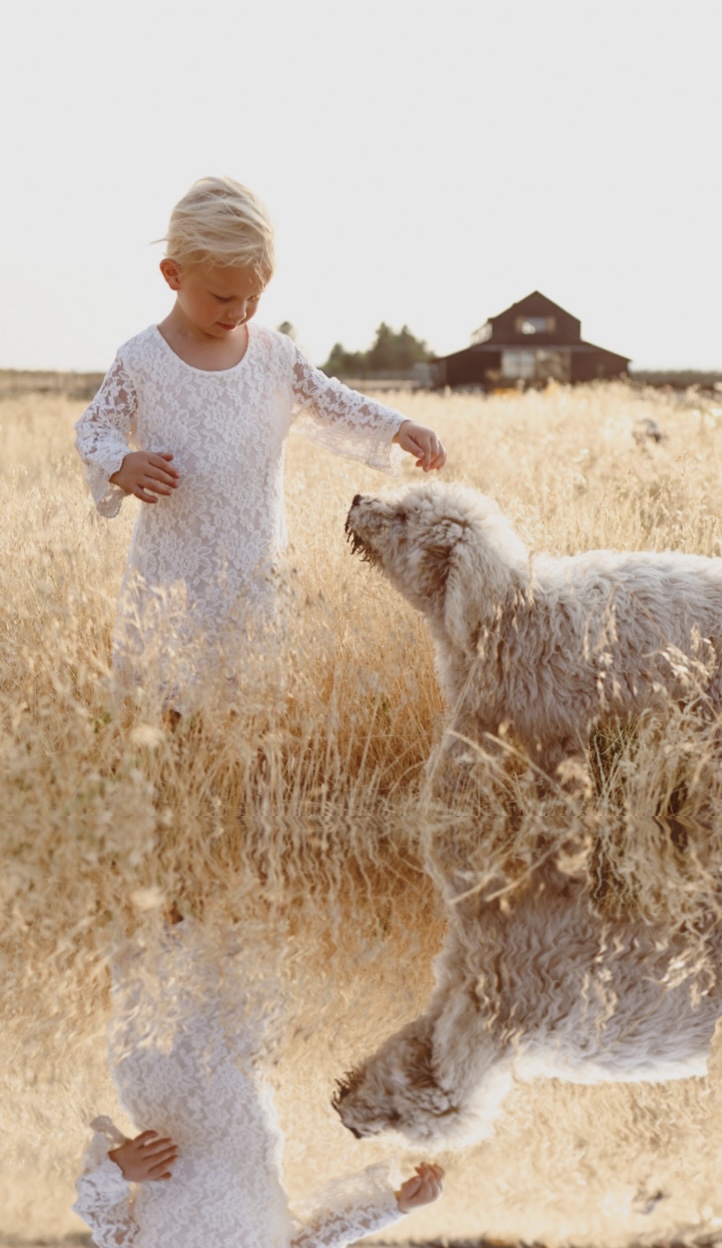

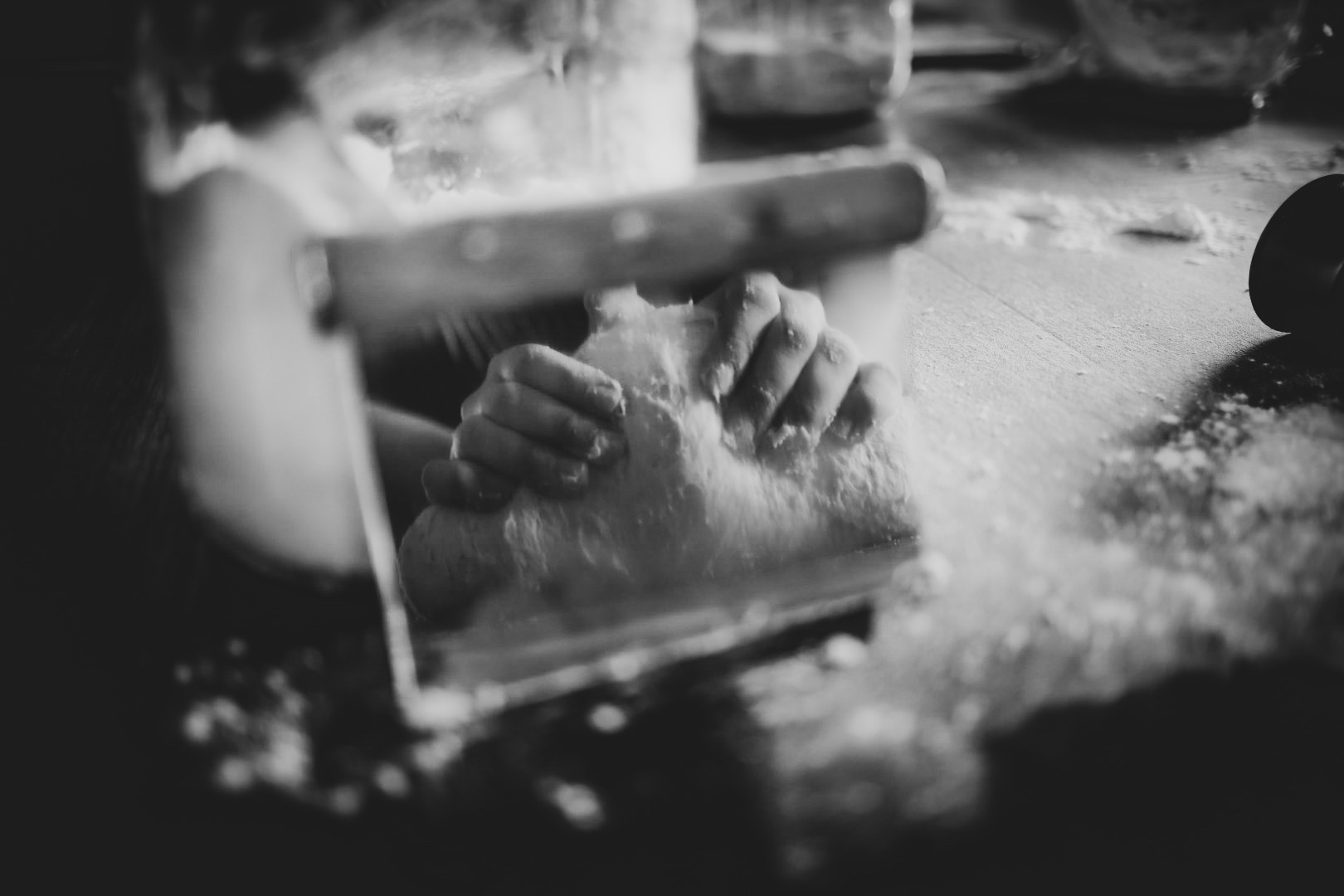
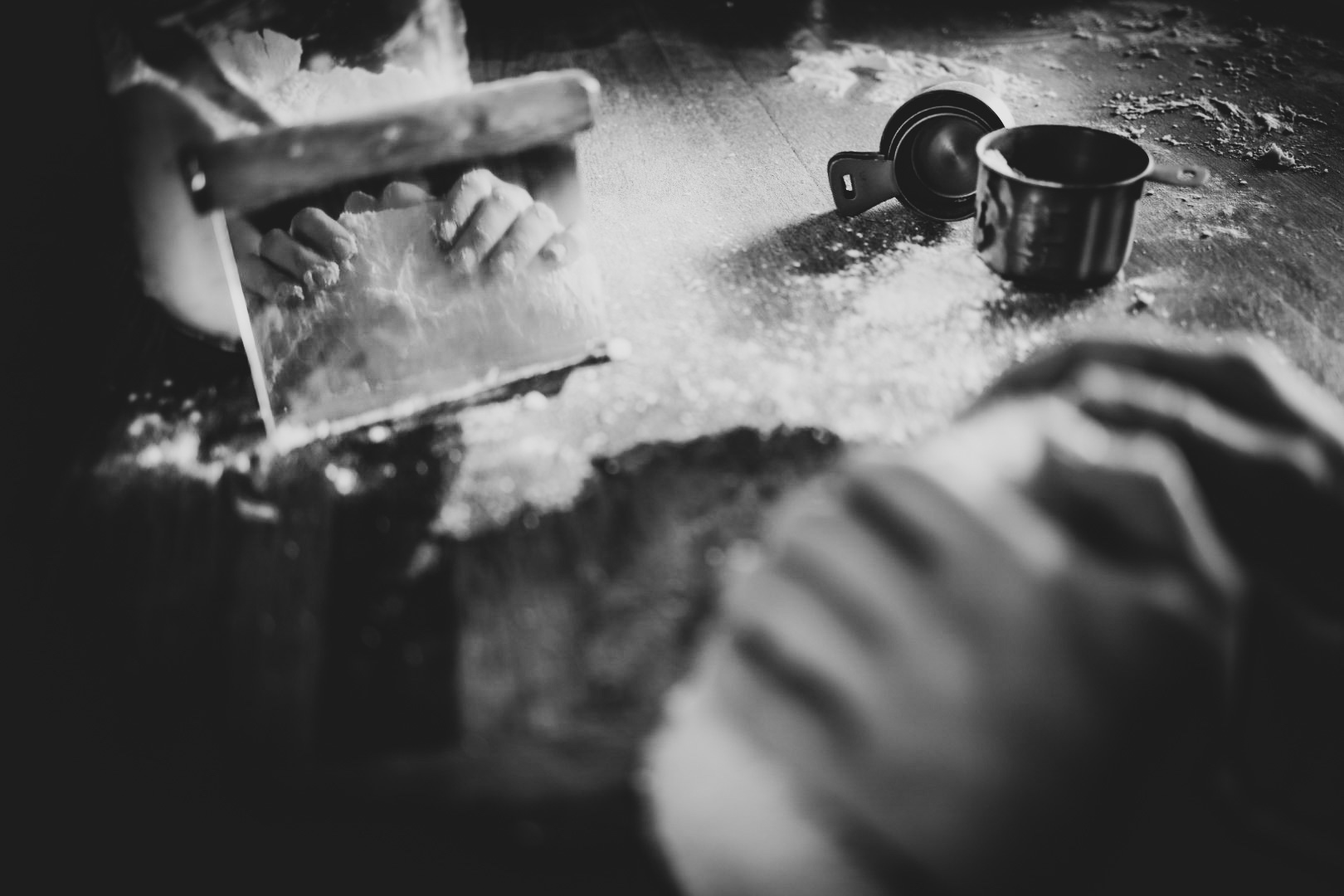
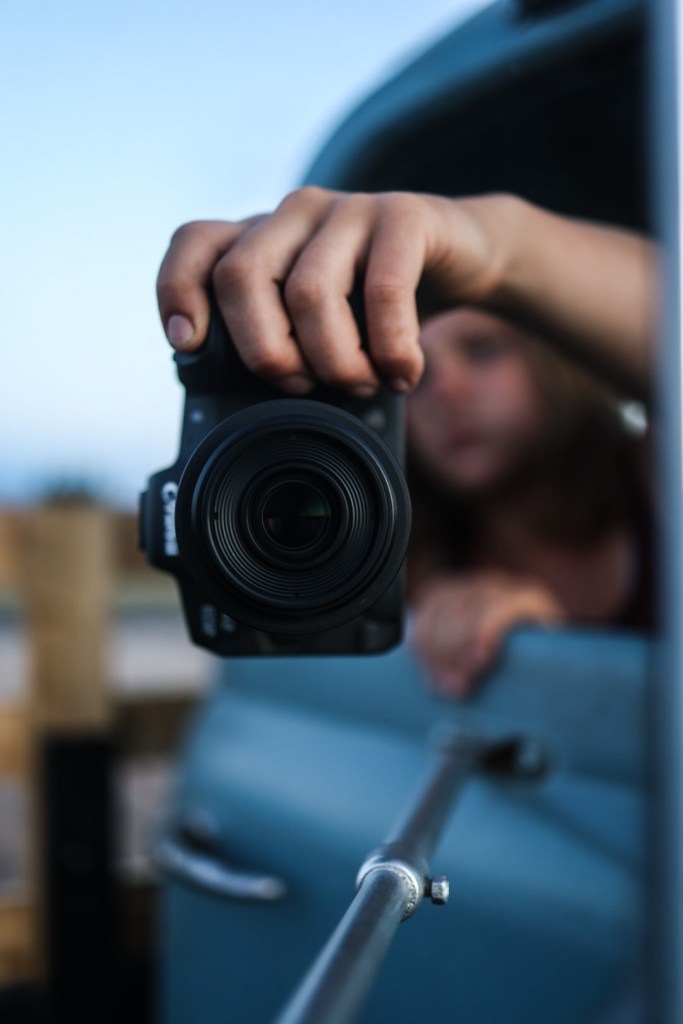
Some of my fav reflection photos:).

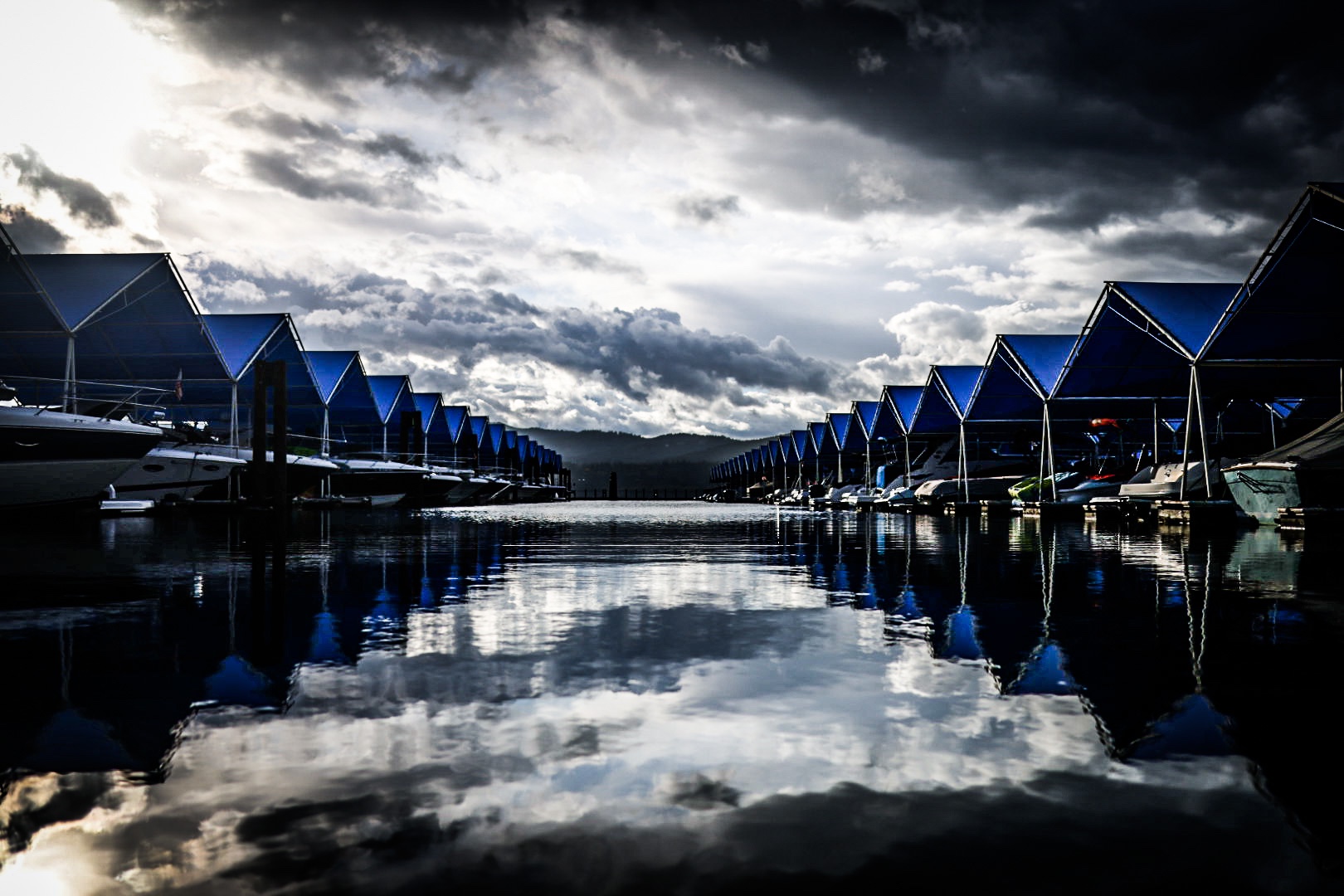

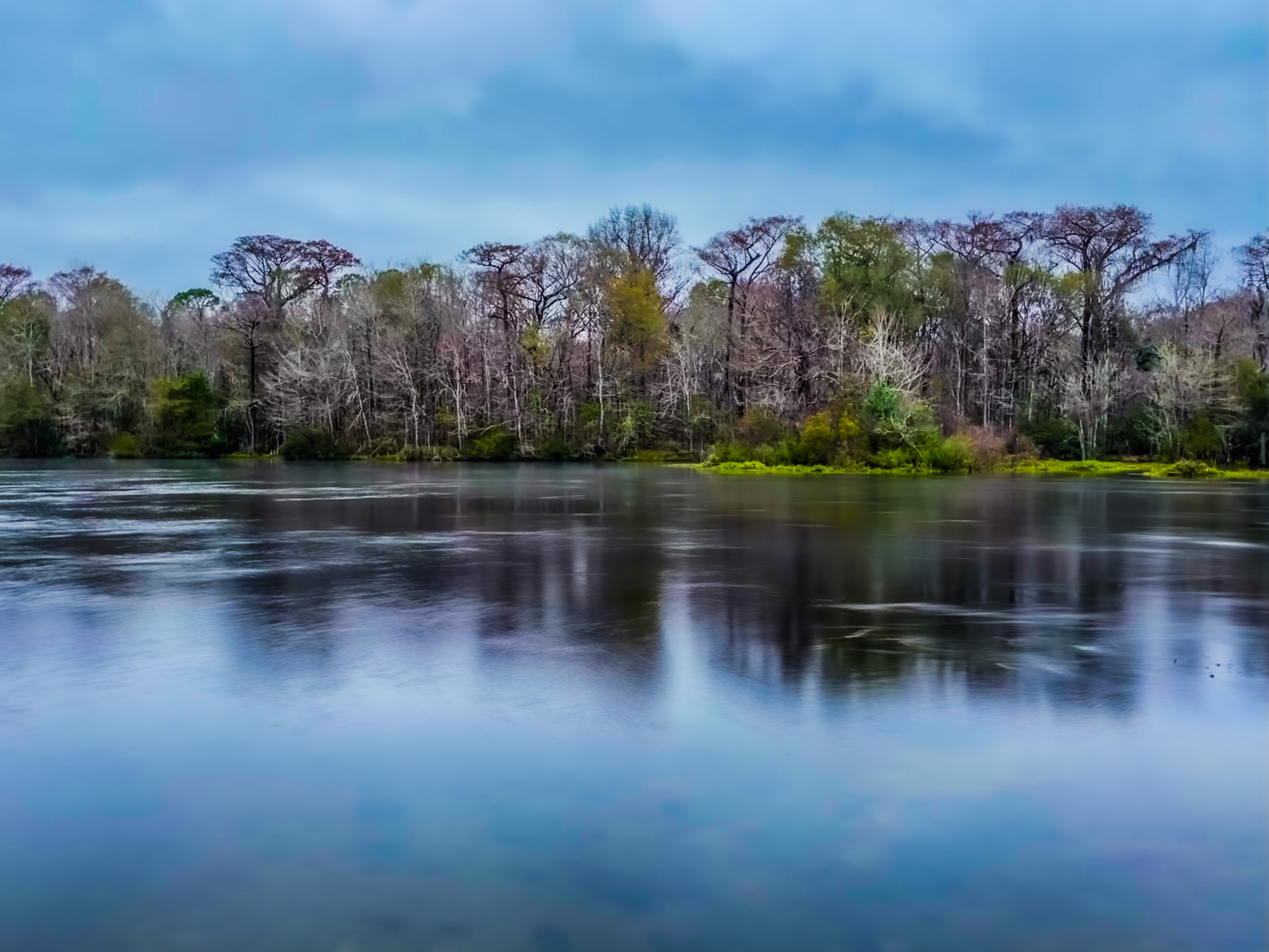
Photography…❤️📸
 the potters table